Teams validating step counters, activity trackers and other wearable sensors against a reference, and anyone who has to defend an accuracy claim to someone who will check it.
How it works
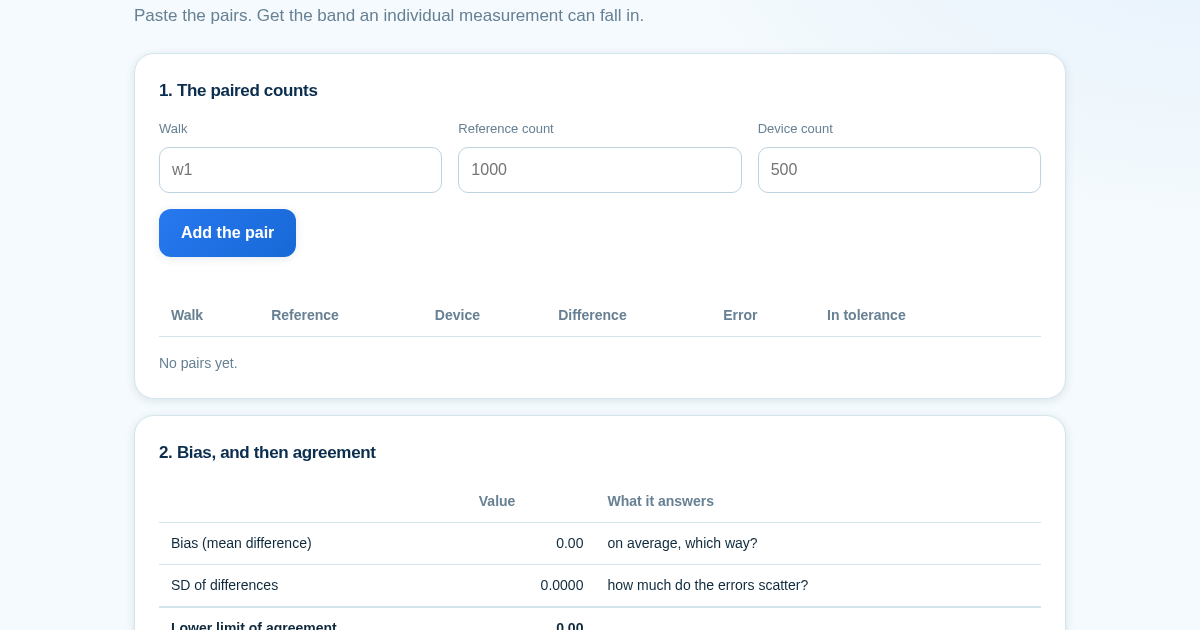
- Add the paired counts, one row per walk: the reference on one side and the device on the other.
- Read the limits of agreement, not just the bias - they answer different questions.
- Set your tolerance and the low-count threshold: those are choices about your product.
- Look at the largest single difference next to the summary, and at the flagged short walks.
What you gain
- Tells you whether two step counters actually agree with each other, not just whether they move together — a distinction a device can pass on correlation while being wrong on every walk.
Screenshot
Technical details
How to set up & use
- Buy the license — your key (lic_...) appears on the order page and in your email.
- Sign in at app.synoriaai.com with your license key.
- No installation — the product runs in your browser, on your own isolated instance.
- 1. Open the page and enter a label for your first walk (e.g., 'w1').
- 2. Enter the true step count in the 'Reference' field and the device's count in the 'Device' field.
- 3. Click 'Add pair' to record that walk. Repeat for each walk you have data for.
- 4. Once you've added all your walks, the page will show the bias, limits of agreement, correlation, and the largest single difference.
- 5. Review the results—if you set a reference threshold, any walks below it are flagged separately.
Frequently asked questions
What does this tool actually tell me about my wearable?
It shows the bias (average difference) and the limits of agreement (the range where an individual measurement might fall) between your device and the true step count. It also shows correlation, but clearly states that correlation is not agreement—a device that always reads half the true count will have perfect correlation but be wrong.
How does it handle very short walks or missing data?
You can set a reference threshold; any walk below that threshold is flagged separately rather than averaged in, because a 100-step miss is proportionally huge on a short walk. If a column doesn't vary (e.g., all references are the same), correlation is shown as 'undefined' instead of zero, which is the honest result.
Is my data safe? Does this tool store my walk data?
No. All calculations happen in your browser—your entered walk data is never sent to a server or stored. You can refresh the page and everything is cleared.
Related products
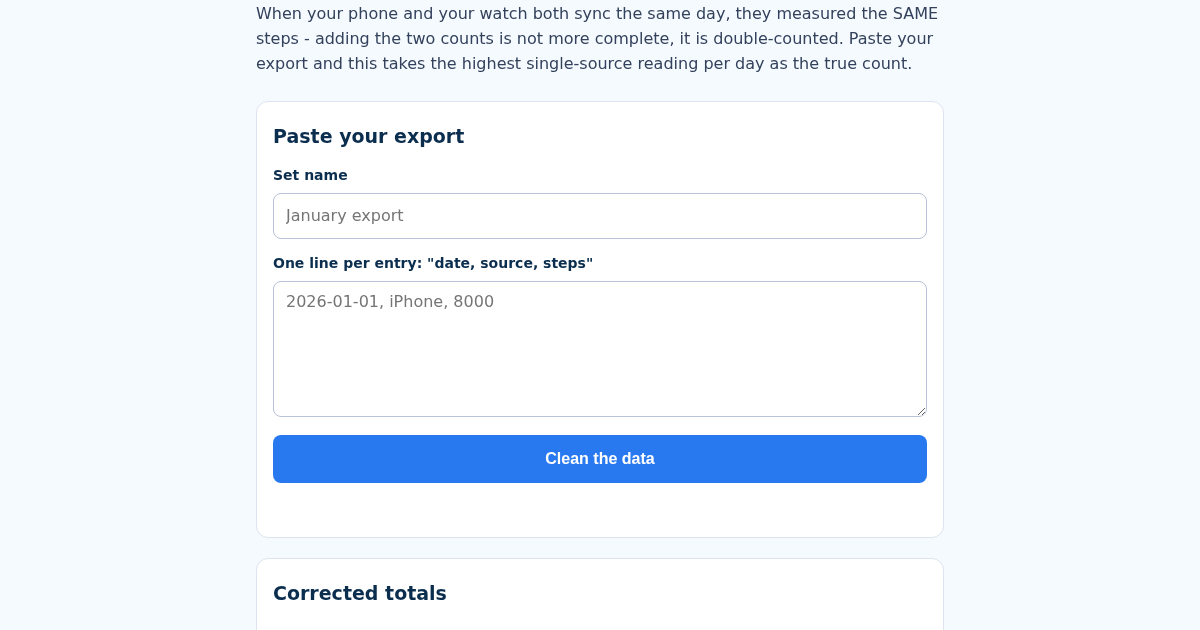
HealthClean: Health Data Export Cleaner for Wearables
When your phone and your watch both sync the same day's walk, most people's instinct - and some naive export tools - just add the two step counts together. That is not a more complete number, it is double-counted: both…
HealthClean: Health Data Export Cleaner for Wearables
When your phone and your watch both sync the same day's walk, most people's instinct - and some naive export tools - just add the two step counts together. That is not a more complete number, it is double-counted: both…
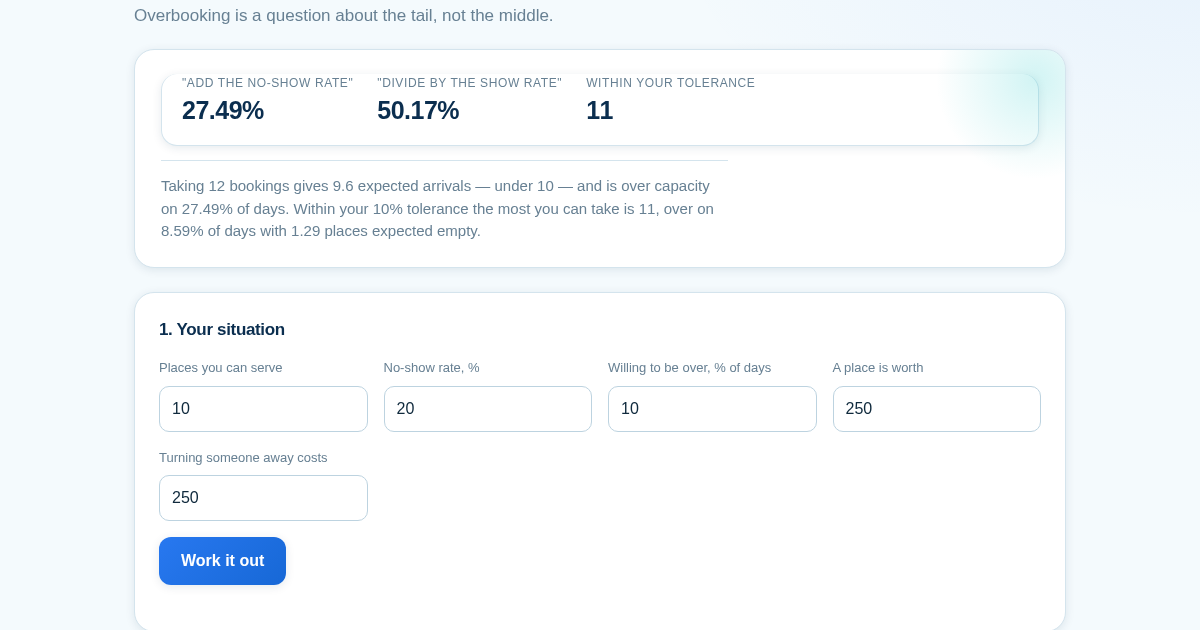
The Average Says You're Fine
Ten places, one in five does not turn up, so take twelve bookings — the average says 9.6 arrive and 9.6 is under ten. That is exactly right, and it is the wrong number to look at: twelve bookings is over capacity on…
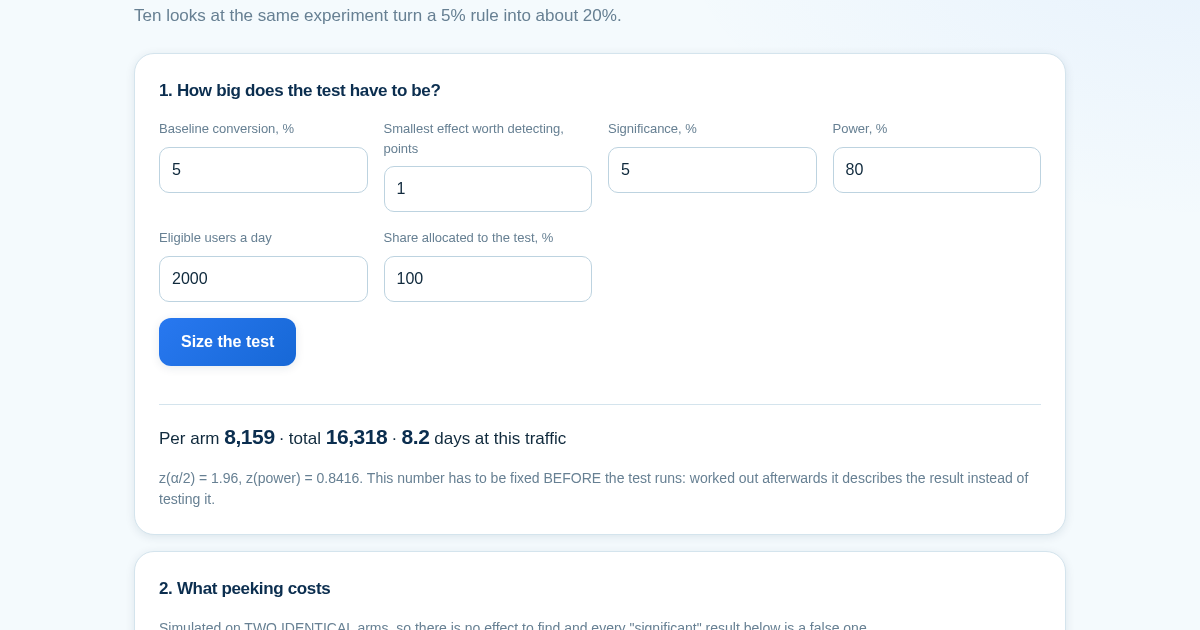
Stopping at Significance Isn't a 5% Test
Checking a test once gives roughly the 5% false-positive rate you asked for. Checking ten times along the way and stopping at the first crossing gives about 20%, and twenty times gives about 24% - simulated here on two…